
The Dell 14/14R/M431R laptop quick start guide introduces the features and characteristics of the laptop.
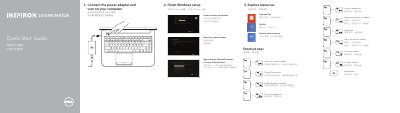
This quick start guide helps set up a Dell 14/14R/M431R laptop, including connecting the power adapter, turning on the computer, finishing Windows setup, and exploring resources. It also lists shortcut keys for display, wireless, touchpad, brightness, media playback, and volume.
The guide identifies product features and ports, such as USB, HDMI, network, headset, and media-card reader, and provides Dell support, contact, and regulatory information.
| USB 3.0 ports | 2 |
|---|---|
| Regulatory model | P37G |
| Computer model | Inspiron 14-3421/14R-5421/M431R-5435/3437/5437 |
The guide lists two USB 3.0 ports.
The regulatory model is P37G.
Dell lists dell.com/support and dell.com/support/manuals.
It covers Inspiron 14-3421, 14R-5421, M431R-5435, 3437, and 5437.