
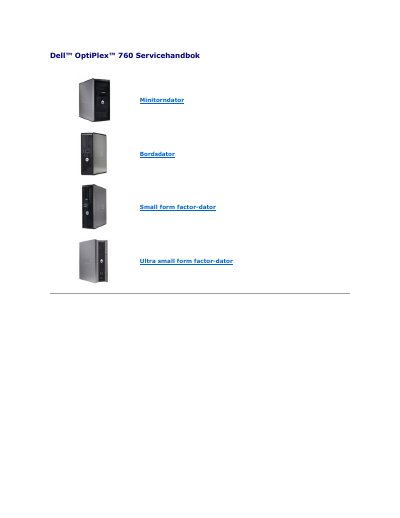
Dell™ OptiPlex™ 760 Service Manual Mini Tower Desktop Desktop Small Form Factor Ultra Small Form Factor Back to Top Advanced Features Dell™ OptiPlex™ 760 Service Manual LegacySelect LegacySelect Technology Control offers solutions with full, partial, or no support for older versions, based on common platforms, hard-drive images, and procedures in support departments. The administrator handles this through the system setup program, Dell OpenManage™ IT Assistant, or Dell's custom factory integration. With LegacySelect, administrators can electronically enable or disable connectors and media devices, including serial connectors, USB connectors, a parallel connector, a floppy disk drive, PCI slots, and a PS/2 mouse. Disabled connectors and media devices free up resources. You must restart the computer for the changes to take effect. Manageability DASH DASH (Desktop and mobile Architecture for System Hardware) is a specification from DMTF (Desktop Management Task Force) that standardizes the interface for managing mobile hardware and desktop computer hardware. The goal of the DASH architecture is to enable remote management of desktop and mobile computing resources in a standardized manner that is independent of the operating mode. Your computer supports early versions of the DASH initiative including the following management profiles: l Base Desktop Mobile (desktop and mobile) l Power State Management (power management) l Boot Contr
This service manual is for the Dell OptiPlex 760 desktop computer and describes advanced system-management features such as LegacySelect, DASH, Intel Active Management Technology, and out-of-band management.
It also covers ASF, Dell OpenManage and Dell Client Manager, physical security and TPM, multithreading and multi-core technology, power management for Windows XP and Windows Vista, and AMT configuration and USB deployment. This manual is written in Swedish.
| ASF version | 1.03 2.0 |
|---|---|
| MEBx default password | admin |
Press
The default MEBx password is admin.
Open MEBx with
The USB flash drive must be formatted with FAT16, contain no system files, and can only contain setup.bin.