
The Dell PowerEdge R210 II is a high-performance, energy-efficient and easy-to-manage server that is ideal for businesses of all sizes.
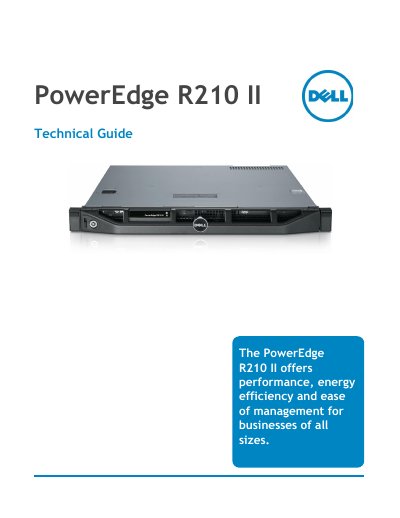
The Dell PowerEdge R210 II is an entry-level, enterprise-ready, ultra-dense 1-socket 1U rack server designed for businesses of all sizes. It supports a full selection of Intel processors, including the Xeon E3-1200 family, Pentium G600/G800 series, and Celeron G400/G500 series, providing performance for various workloads from small business applications to high-density compute farms.
The guide details the server's key benefits, including built-in reliability, security, and energy efficiency. It covers system management features such as Dell OpenManage software, the optional Dell Lifecycle Controller, and iDRAC6 Express/Enterprise for remote administration. The document also provides technical specifications for power supplies, environmental requirements, chassis dimensions, and supported configurations for processors, memory, and storage.
| Form Factor | 1-socket 1U rack server |
|---|---|
| Supported Processors | Intel Xeon E3-1200, E3-1200 V2, Pentium G600/G800, Celeron G400/G500 |
| Memory Slots | 4 DIMM slots |
| Storage Options | Two 3.5" or four 2.5" cabled hard drives |
| PCIe Slot | One PCIe true x16 slot |
| Power Supply | Lower wattage power supplies |
It is an entry-level, enterprise-ready, ultra-dense 1-socket 1U rack server suited for a broad range of workloads.
The guide includes a section on supported operating systems, though specific OS names are not listed in the provided text.
It can be managed using Dell OpenManage systems management software and the optional Dell Lifecycle Controller.