
The Dell Vostro 3578 Quick Start Guide provides an overview of the product's features and specifications.
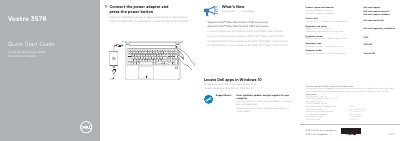
This quick start guide for the Dell Vostro 3578 laptop shows how to connect the power adapter and press the power button, and lists product support and manual links.
It identifies regulatory model P63F, regulatory type P63F002, and computer model Vostro 3578, notes support for Intel Kaby Lake Celeron and Pentium UMA processors, and includes a numbered diagram of laptop features.
| Regulatory model | P63F |
|---|---|
| Regulatory type | P63F002 |
| Computer model | Vostro 3578 |
| Input voltage | 100 V AC–240 V AC |
| Input current (maximum) | 1.3 A/1.6 A/1.7 A |
| Input frequency | 50 Hz–60 Hz |
| Output current | 2.31 A/3.34 A |
| Output voltage | 19.5 V DC |
It supports Intel Kaby Lake Celeron UMA processors and Intel Kaby Lake Pentium UMA processors.
The guide lists Dell.com/support, Dell.com/support/manuals, and Dell.com/support/windows.
The regulatory model is P63F.