
The Dell™ OptiPlex™ 760 Service Manual introduces the features and characteristics of the Dell™ OptiPlex™ 760 Service Manual.
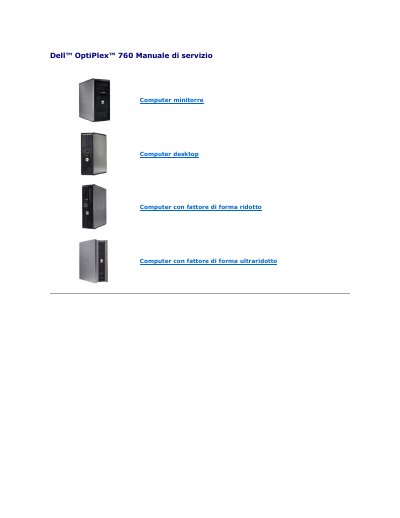
This document is the Service Manual for the Dell OptiPlex 760, covering mini tower and ultra-low profile desktop form factors. It provides technical details on advanced system management functions, including LegacySelect technology for controlling legacy ports and devices, and DASH (Desktop and mobile Architecture for System Hardware) for standardizing remote management interfaces. This manual is written in Italian.
Press during the computer boot process to access the Intel Management Engine BIOS Extension (MEBx) interface. The default password for the MEBx interface is 'admin'. The USB drive must be formatted with the FAT16 file system, contain only the setup.bin file, and be inserted before the computer boots.What is the default password for the MEBx interface?
What are the requirements for provisioning iAMT via USB?