
Dell™ n Series computers are not applicable to Microsoft® Windows® operating systems.
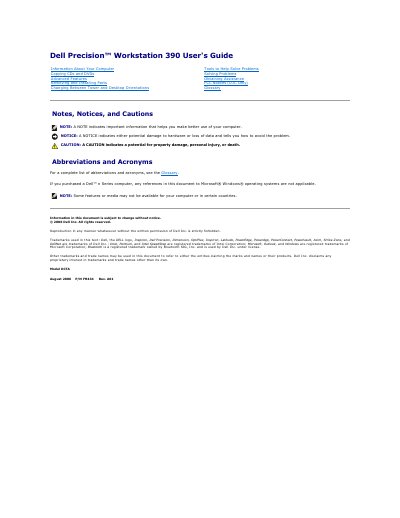
This user's guide covers the Dell Precision Workstation 390, including notes, notices, and cautions, abbreviations and acronyms, information about the computer, copying CDs and DVDs, advanced features, removing and installing parts, changing between tower and desktop orientations, tools to help solve problems, solving problems, obtaining assistance, FCC notices, and a glossary.
Advanced features described include LegacySelect technology control, manageability, security, password protection, system setup, clearing forgotten passwords, clearing CMOS settings, power management, Hyper-Threading, IEEE 1394, and RAID configurations.
| System password length | Up to 15 characters |
|---|
Enter system setup, verify that Password Status is Unlocked, highlight System Password, type and confirm a password of up to 15 characters, then exit system setup; password protection takes effect when you restart the computer.
The setting changes to Detected, and an alert message may display during the boot routine at the next startup.
It offers legacy-full, legacy-reduced, or legacy-free solutions and lets administrators activate or deactivate connectors and media devices.
The supported alerts include BIOS, boot, password, chassis intrusion, CPU, heartbeat, temperature, cooling device, and Ethernet connectivity alerts.