
Dell XPS notebook computer maintenance manual.
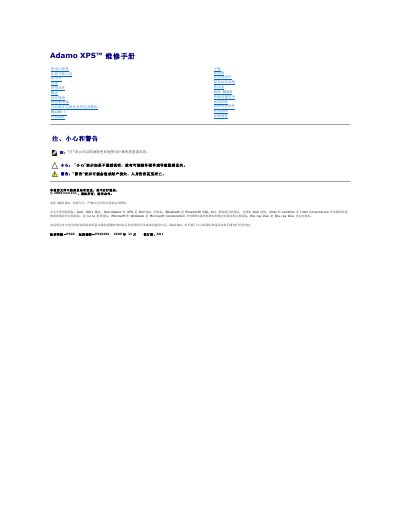
This document is a service manual for the Dell Adamo XPS notebook computer. It contains detailed procedures for removing and installing internal components such as the base cover, battery, palm rest, and system board. The guide also includes safety precautions and a list of recommended tools required for maintenance tasks. This manual is written in Chinese.
The manual recommends using a T5 Torx screwdriver, a Phillips screwdriver, and a plastic spudger.
The service tag is located in the battery compartment.
Turn the computer over, slide and hold the power release latch, push the battery using its handle and rotate it up, then lift it out.
Use only a battery designed for this specific Dell computer; do not use batteries intended for other Dell computers.