
Dell Latitude 14 7000 Series Notebook Quick Start Guide
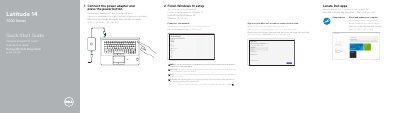
Quick start guide for the Dell Latitude 14 7000 Series notebook. It outlines connecting the power adapter, starting the computer, locating Dell apps, running SupportAssist, and checking for updates.
It also covers finishing Windows 10 setup, connecting to a network, and identifying notebook features such as ports, camera, touchpad, and optional readers.
| Computer model | Latitude 14-7470/E7470 |
|---|---|
| USB 3.0 connectors | 2 |
| SIM port | Optional |
| Contactless smart-card reader | Optional |
Enter the password for the wireless network access when prompted.
Use Dell.com/support and Dell.com/support/manuals.
Latitude 14-7470/E7470.
Press the power button.