
Dell Wyse 3010/3050 (T Class Thin Clients, Model Tx0) Quick-Start Guide

Dell Wyse 3010/3050 (T Class Thin Clients, Model Tx0) Quick-Start Guide Product: T10, T50
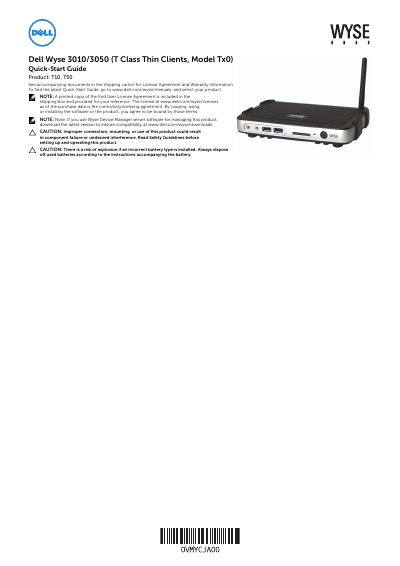

Dell Wyse 3010/3050 (T Class Thin Clients, Model Tx0) Quick-Start Guide - cover page
Brand
DELL
Document type
Quick Start Guide
Language
English
Pages
3
File format
PDF
File size
348 KB
Published
20 November, 2023
Updated
20 November, 2023
MD5 checksum
BF1CAF28B1B6A9CD3A0FE6B69AF4ABF7

About this manual

This document serves as a Quick-Start Guide for the Dell Wyse 3010 and 3050 T Class Thin Clients (Model Tx0). It outlines the necessary steps for setting up the device, including connecting power, video displays, and peripherals. The guide also references the End User License Agreement and Warranty information included in the shipping carton.

What's inside

  • Product Identification
  • Components
  • Setting Up Your Thin Client
  • Safety Guidelines
  • Venting and Care
  • Power Sources
  • Battery
  • Need more information

Frequently asked questions

What is the Dell Wyse 3010/3050 thin client used for?

The product is a T Class Thin Client, specifically the T10 or T50 model.

What electrical outlet voltage is required to power the device?

The power adapter must be connected to a 100-240V AC, 50-60 Hz electrical outlet.

What is the standard warranty period for this product?

The standard warranty is three years from the date of purchase.

Download PDF (348 KB)

More DELL Manuals


View all DELL manuals →