
The Dell P28F monitor complies with the NOM standard.
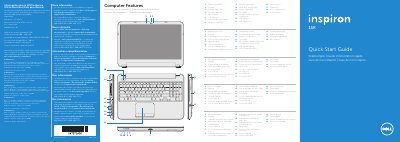
This multilingual quick start guide covers the Dell Inspiron 5521 computer (regulatory model P28F). It identifies external features and outlines first-use steps such as connecting the power adapter, pressing the power button, completing Windows setup, and recording the Windows password and service tag.
The guide also lists function-key actions for wireless, touchpad, brightness, volume, and external display, and provides Dell support, contact, and regulatory information.
| Regulatory model | P28F |
|---|---|
| Type | P28F001 |
| Computer model | Inspiron 5521 |
| Input voltage | 100-240 V AC |
| Input current (maximum) | 1.50 A/1.60 A/1.70 A/2.50 A |
| Input frequency | 50-60 Hz |
| Output voltage | 19.50 V DC |
| Output current | 3.34 A/4.62 A |
| USB 3.0 ports | 2 |
| Media card reader | 8-in-1 |
Do not use the @ symbol in your password.
Click Start → All Programs → Dell Help Documentation or go to support.dell.com/manuals.
Go to dell.com/ContactDell; customers in the United States can call 800-WWW-DELL (800-999-3355).
Record it in the space provided after locating the service tag/regulatory label.