
Dell Inspiron 15/15R/M531R Laptop Quick Start Guide.
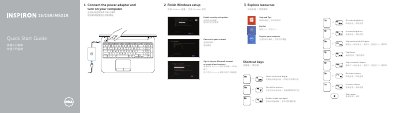
This quick start guide helps users connect the power adapter, turn on the computer, and complete Windows setup for Dell Inspiron 15/15R/M531R laptops. It also lists shortcut keys and identifies the laptop's external features, ports, and status lights.
Support, manual, contact, and regulatory information is included, along with the computer model and regulatory model details for the covered Inspiron systems.
| USB 3.0 ports | 2 |
|---|---|
| HDMI port | 1 |
| Network port | 1 |
| Headset port | 1 |
| Media-card reader | 1 |
| Optical drive | 1 |
| Regulatory model | P28F |
| Computer model | Inspiron 3521/5521/15-3537/15R-5537/M531R-5535 series |
Connect the power adapter and turn on your computer.
Visit dell.com/support and dell.com/support/manuals.
The regulatory model and type is P28F.
The guide lists shortcut keys for display, wireless, touchpad, brightness, media playback, and volume controls.