
Inspiron 15 5000 Series Quick Start Guide.
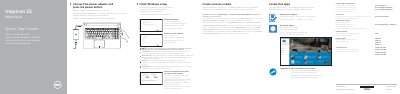
This document serves as a Quick Start Guide for the Dell Inspiron 15 5000 Series, providing instructions in multiple languages for connecting the power adapter, finishing Windows setup, and enabling updates. It includes specific regulatory model numbers (P51F001 through P51F005) and lists compatible computer models. This manual is written in Czech.
| Regulatory Model | P51F001, P51F002, P51F003, P51F005 |
|---|---|
| Computer Models | Inspiron 15-5551, Inspiron 15-5552, Inspiron 15-5555, Inspiron 15-5558 |
This guide covers the Inspiron 15-5551, Inspiron 15-5552, Inspiron 15-5555, and Inspiron 15-5558 models.
Enable Dell updates by going to Windows search, typing Recovery, and following the instructions to create recovery media or update settings.