
Dell Latitude 12 7000 Series Notebook Quick Start Guide
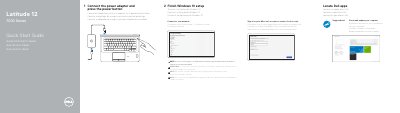
This document serves as a Quick Start Guide for the Dell Latitude 12 7000 Series notebook. It outlines the initial steps required to begin using the device, including connecting the power adapter, locating Dell applications, and completing the Windows 10 setup process. Users are instructed to connect to a network and sign in to their Microsoft account or create a local account.
| Input Voltage | 100 V CA–240 V CA |
|---|---|
| Input Current (Max) | 2.5 A |
| Input Frequency | 50 Hz–60 Hz |
| Output Voltage | 19.5 V DC |
Enter the password for the wireless network access when prompted.
Locate Dell apps immediately after connecting the power adapter.