
The Dell EMC PowerEdge T440 Getting Started Guide describes the features and characteristics of the product.
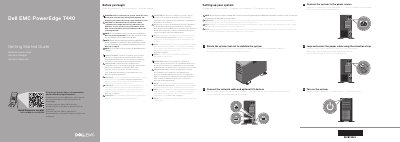
This document serves as a Getting Started Guide for the Dell EMC PowerEdge T440 server. It provides essential safety warnings, such as the requirement to use Extended Power Performance (EPP) compliant power supply units, and directs users to additional documentation for detailed installation and service information. The guide includes multilingual instructions for initial setup tasks, including securing the power cable, connecting network and I/O devices, and rotating the system feet for stability.
| Power Supply | 1100 W Platinum AC 100 – 240 V, 50/60 Hz, 12 A – 6.5 A |
|---|---|
| System Battery | 3 V CR2032 lithium coin cell |
| Max Ambient Temperature | 35°C/95°F |
Use Extended Power Performance (EPP) compliant power supply units, indicated by the EPP label.
The complete and current listing of specifications is available at Dell.com/poweredgemanuals.