
The Latitude 13 7000 Series Quick Start Guide describes how to connect the power adapter, finish Windows 10 setup, enable support and protection, and connect to the network.
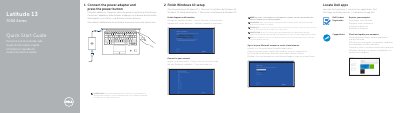
This Quick Start Guide is for the Dell Latitude 13 7000 Series computer, listed in the document as model Latitude -7370. It explains how to connect the power adapter, finish Windows 10 setup, enable support and protection, connect to a network, and sign in to a Microsoft account.
The guide also describes locating Dell apps, registering the product, and using SupportAssist. It lists features such as USB 3.0 and USB Type C connectors, card readers, speakers, and the camera, and provides Dell support and regulatory information.
| USB 3.0 connector | 1 |
|---|---|
| USB Type C connectors | 2 |
| Computer model | Latitude -7370 |
Connect the power adapter and press the power button.
Enter the password for the wireless network access when prompted.
Visit Dell.com/support and Dell.com/support/manuals.