
The Dell CHROMeBOOK 11 Quick Start Guide provides instructions on how to connect the power adapter, finish Chromebook setup, register your Chromebook, and explore resources.
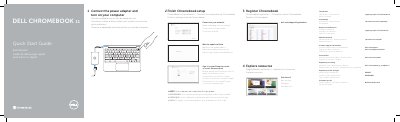
This document serves as a multilingual Quick Start Guide for the Dell CHROMeBOOK 11. It provides step-by-step instructions in English, Dutch, French, and Spanish for connecting the power adapter, finishing the initial Chromebook setup, registering the device, and accessing support resources. The guide notes that the computer will restart after a Google update.
| Regulatory Model | CYXWJ |
|---|---|
| Input Voltage | 90 VAC–240 VAC |
| Input Current | 1,7 A/90 VAC |
| Input Frequency | 50 Hz–60 Hz |
| Output Current | 3,34 A |
| Output Voltage | 19,5 VDC |
Yes, the computer will restart after the Google update.
Connect the power adapter and turn on your computer.
Your computer will restart.
The input voltage range is 90 VAC–240 VAC.