
The Dell P28F monitor complies with NOM standards.
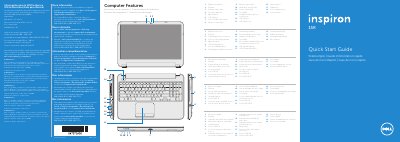
This document serves as a Quick Start Guide for the Dell P28F Inspiron 5521 laptop. It includes regulatory information for Mexico and provides a visual overview of the computer's features, such as the digital microphone, camera, optical drive, and various ports including USB 2.0, USB 3.0, and HDMI.
The guide outlines the initial setup steps, which involve pressing the power button, recording the Windows password, and completing the Windows installation. It also details the usage of function keys for controlling wireless status, connecting the network cable, switching to an external display, and managing volume and brightness.
| Input Voltage | 100 – 240 V AC |
|---|---|
| Input Frequency | 50 Hz – 60 Hz |
| Output Voltage | 19.50 V DC |
| Computer Model | Inspiron 5521 |
Do not use the @ symbol in your password.
Use the function key to switch to an external display.