
The Dell EMC PowerEdge T640 Getting Started Guide describes the features and characteristics of the product.
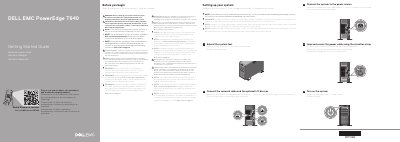
This document serves as a Getting Started Guide for the Dell PowerEdge T640 server. It outlines the essential steps required to physically set up the system before powering it on. Key instructions include connecting network and I/O devices, connecting the system to a power source, securing the power cable using the retention strap, and extending the system feet.
| Maximum ambient temperature | 35°C/95°F |
|---|---|
| System battery | 3 V CR2032 lithium coin cell |
| Power rating (2400 W Platinum) | 100-240 V, 50/60 Hz, 16 A |
| Power rating (2000 W Platinum) | 100-240 V, 50/60 Hz, 11.5 A |
| Power rating (1600 W Platinum) | 100-240 V, 50/60 Hz, 10 A |
The documentation set for the system is available at Dell.com/poweredgemanuals.
Use Extended Power Performance (EPP) compliant power supply units, indicated by the EPP label.
See the rack documentation included with your rack solution.