
The Dell™ Inspiron™ 1011 Service Manual provides information on how to use and maintain your Dell™ Inspiron™ 1011 notebook.
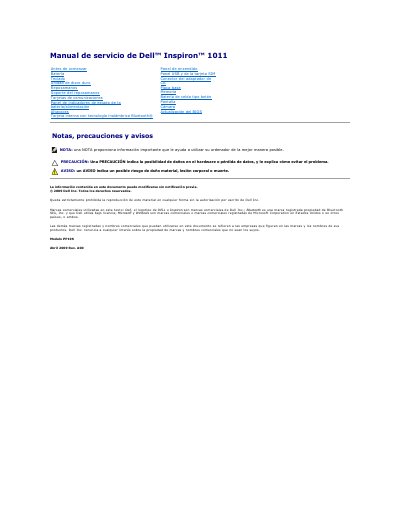
This Dell Inspiron 1011 service manual is a Spanish-language document (© 2009 Dell Inc., Rev. A00, April 2009) that provides removal and replacement procedures for the computer's components. It is intended for certified technicians and includes safety notices about electrostatic discharge and damage from unauthorized repairs.
Covered procedures include the battery, keyboard, hard drive, palm rest, palm rest support, USB/SIM card panel, AC adapter connector, power/battery status indicator panel, speakers, internal Bluetooth card, power button, system board, memory, coin-cell battery, display, camera, and BIOS update. This manual is written in Spanish.
Only a certified technician should perform repairs on the computer; the warranty does not cover damage caused by unauthorized repairs.
Turn off the computer, disconnect power, and remove the main battery to avoid damage to the system board.
A small flat-blade screwdriver, a Phillips screwdriver, a plastic-tipped prying tool, and a BIOS update CD or executable from the Dell Support website.