
Dell EMC PowerEdge R740 Quick Resource Locator
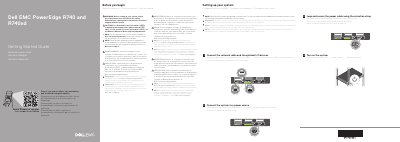
This Dell EMC PowerEdge R740 Quick Resource Locator provides safety instructions and basic setup steps for the server, including connecting network and I/O devices, power cabling, and turning on the system.
Page 2 lists required technical specifications such as supported power supply units, the 3 V CR2032 system battery, and the maximum continuous operating temperature of 40°C/104°F.
| Power supply | 2400 W Platinum AC 100–240 V, 50/60 Hz, 16 A |
|---|---|
| Power supply | 2000 W Platinum AC 100–240 V, 50/60 Hz, 11.5 A |
| System battery | 3 V CR2032 lithium coin cell |
| Maximum ambient temperature | 40°C/104°F |
Use Extended Power Performance (EPP) compliant power supply units indicated by the EPP label.
The documentation set is available at Dell.com/poweredgemanuals.
The system uses a 3 V CR2032 lithium coin cell battery.
The maximum ambient temperature for continuous operation is 40°C/104°F.