
Inspiron 15 7000 Series Notebook Quick Start Guide.
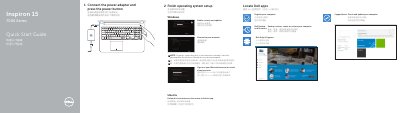
This Dell Inspiron 15 7000 Series notebook quick start guide is a multilingual setup document. It covers connecting the power adapter, powering on, completing operating system setup, connecting to a network, and locating Dell applications such as SupportAssist, Dell Backup and Recovery, and Dell Help & Support.
The guide also identifies notebook features and ports, lists shortcut keys, and provides product support, manual, regulatory, and safety references. It lists the computer model as Inspiron 15-7557 and the regulatory model as P57F. This manual is written in Chinese.
| USB 3.0 ports | 2 |
|---|---|
| Regulatory model | P57F |
The shortcut key labeled "Turn off/on wireless" toggles wireless on or off.
See the Specifications section at Dell.com/support.
They are available at Dell.com/support and Dell.com/support/manuals.