
Dell Inspiron 11 3000 Series Service Manual

The Dell Inspiron 11 3000 Series Service Manual provides information on how to disassemble and replace the internal components of the computer.
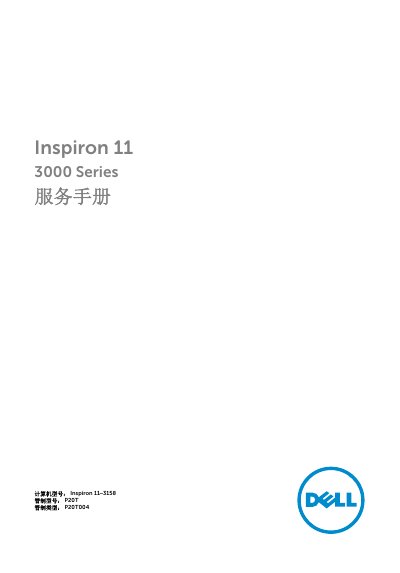

Dell Inspiron 11 3000 Series Service Manual - cover page
Brand
DELL
Category
Laptops
Document type
Service Manual
Language
Chinese
Pages
87
File format
PDF
File size
6.3 MB
Published
19 November, 2023
Updated
19 November, 2023
MD5 checksum
1A4F8DA7A1B1A98C2EB3F1F678504F05

About this manual

This document is a service manual for the Dell Inspiron 11 3000 Series, specifically the Inspiron 11–3158 model. It provides detailed instructions for removing and replacing internal components such as the base cover, battery, memory modules, hard drive, wireless card, power button board, speakers, touchpad, processor fan and heatsink, I/O board, system board, display components, palm rest and keyboard, and camera. The manual also includes steps for refreshing the BIOS. This manual is written in Chinese.

What's inside

  • Remove Base Cover
  • Remove Battery
  • Remove Memory Module
  • Remove Hard Drive
  • Remove Wireless Card
  • Remove Power and Volume Button Board
  • Remove Speakers
  • Remove Touchpad
  • Remove Processor Fan and Heatsink
  • Remove I/O Board

Frequently asked questions

What tools are recommended for servicing this computer?

A Torx screwdriver and a plastic scribe.

What is the first step before disassembling internal components?

Save and close all open files and exit all open applications.

When might the BIOS need to be refreshed?

When a BIOS update is provided or after reinstalling the system board.

What should be done before touching internal components to avoid static damage?

Touch an unpainted metal surface to discharge static electricity from your body.

Download PDF (6.3 MB)

More DELL Manuals


View all DELL manuals →