
The Dell Latitude 5580 Quick Start Guide describes how to connect the power adapter, finish operating system setup, connect to a network, and sign in to your Microsoft account or create a local account.
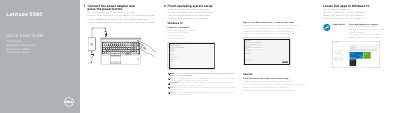
This document serves as a Quick Start Guide for the Dell Latitude 5580 laptop. It provides step-by-step instructions for initial setup, including connecting the power adapter, completing the operating system configuration, connecting to a network, and signing into a Microsoft account or creating a local one. It also includes specific setup steps for Ubuntu users.
| Input Voltage | 100 V CA–240 V CA |
|---|---|
| Input Current (max) | 1,7 A / 2,5 A |
| Input Frequency | 50 Hz–60 Hz |
| Output Voltage | 19,5 V DC |
| Output Current | 3,34 A / 4,62 A |
Enter the password for the wireless network access when prompted.
Follow the instructions on the screen to finish setup.