
The Dell™ OptiPlex™ GX150 System User's Guide Models DHS, DHP, and DHM provides information on how to use the Dell™ OptiPlex™ GX150 System.
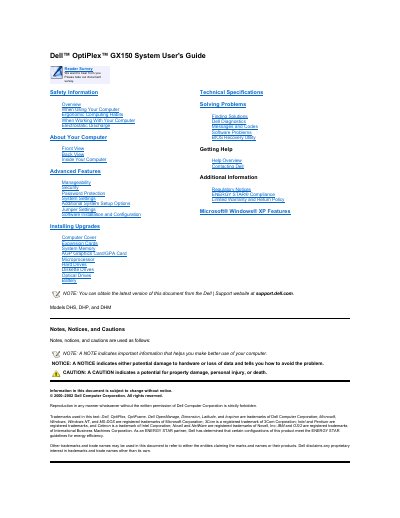
This guide covers Dell OptiPlex GX150 desktop systems in small form-factor, small desktop, and small mini-tower configurations, including front and back panel controls, indicators, and connectors.
It also describes power button behavior, safety information, system setup, hardware upgrades, troubleshooting, technical specifications, and support resources.
| Supported models | DHS, DHP, and DHM |
|---|---|
| System form factors | Small form-factor, small desktop, and small mini-tower |
| Front USB connectors | 2 |
| Power button hold time | 6 seconds |
Press and hold the power button until the system turns off; if it still does not respond, unplug the AC power cable, wait for the system to stop, and plug it back in.
No light means the system is off, steady green means normal operation, and blinking green means a low-power state.
Wait until the diskette drive access indicator turns off.
From the Dell Support website at support.dell.com.