
The Dell Latitude 7290 Quick Start Guide provides information on how to use the Dell Latitude 7290 laptop.
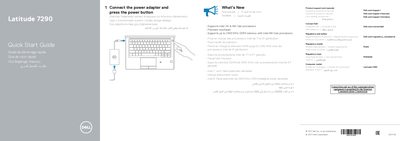
This quick start guide provides initial setup and feature identification information for the Dell Latitude 7290. It includes multilingual instructions for connecting the power adapter and turning on the computer, along with product support and regulatory information.
The guide also identifies the laptop's ports and optional components and notes support for Intel 7th and 8th generation processors, a precision touchpad, and DDR4 memory up to 2400 MHz with 8th generation processors.
| Processor support | Intel 7th and 8th generation processors |
|---|---|
| Touchpad | Precision touchpad |
| Memory support | Up to 2400 MHz DDR4 with Intel 8th generation processors |
Connect the power adapter and press the power button.
It supports Intel 7th and 8th generation processors.
It supports DDR4 memory up to 2400 MHz.