
The Dell Inspiron N4110/N4120 Service Manual provides steps on how to remove and install components in the computer.
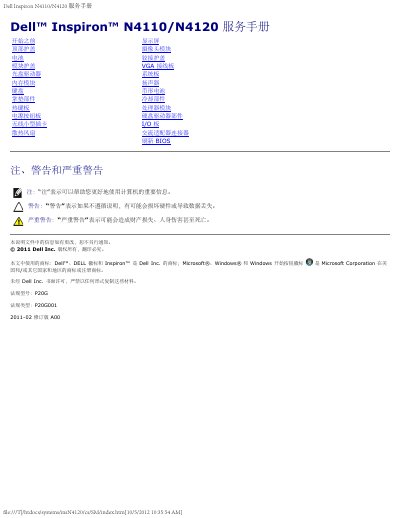
This service manual is for the Dell Inspiron N4110/N4120 notebook. It provides removal and installation steps for internal components, along with safety precautions and recommended tools.
Covered procedures include the top cover, battery, module cover, optical drive, memory modules, keyboard, palm rest, hotkey board, power button board, wireless mini card, cooling fan, display, camera module, hinge cover, VGA cable board, system board, speakers, coin cell battery, cooling components, processor module, hard drive, I/O board, AC adapter connector, and BIOS refresh. This manual is written in Chinese.
Only certified service technicians may repair the computer; damage from unauthorized repair is not covered by warranty.
Remove the main battery and follow the safety steps in the Before you begin section.
A small flathead screwdriver, Phillips screwdriver, plastic scribe, and BIOS executable update program.
No, use only a battery designed for this specific Dell computer.