
Dell computer user manual, introduces the features and advanced options of Dell computers.
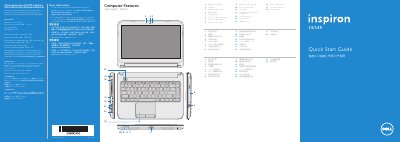
The Dell Inspiron 3421/5421 user manual outlines the computer’s features and advanced options, includes contact information for Dell support, and references the Mexican NOM regulatory requirements printed in China in 2012.
The quick start guide details how to use function keys, power on/off, wireless, touchpad, brightness, volume, and complete Windows setup, and advises recording the Windows password without using the @ symbol.
| Input voltage | 100 – 240 V CA |
|---|---|
| Input current (max) | 1,50 A/1,60 A/1,70 A |
| Input frequency | 50 – 60 Hz |
| Output voltage | 19,50 V CC |
Do not use the @ symbol in your password.
Press the power button to enable or disable wireless.