
Dell OptiPlex 380 Mini Tower Service Manual

The Dell™ OptiPlex™ 380 Mini Tower Service Manual provides information on how to use and maintain your Dell™ OptiPlex™ 380 Mini Tower computer.
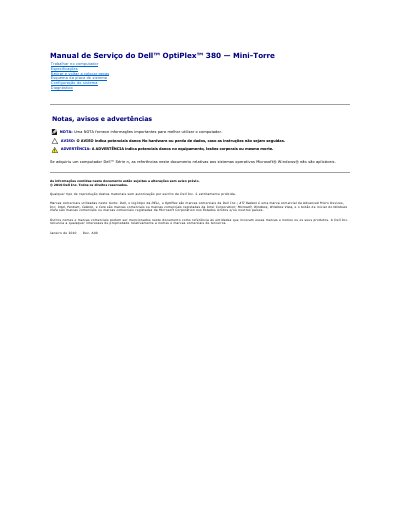

Dell OptiPlex 380 Mini Tower Service Manual - cover page
Brand
DELL
Category
Desktops
Document type
Service Manual
Language
Portuguese
Pages
56
File format
PDF
File size
7 MB
Published
19 November, 2023
Updated
19 November, 2023
MD5 checksum
5AE81BD492C29424045BC3298CEA8C1A

About this manual

The Dell OptiPlex 380 Mini Tower Service Manual provides detailed instructions for servicing the desktop, including system configuration, BIOS setup, and boot options.

It also covers hardware removal and reinstallation, diagnostic procedures, and important safety warnings to prevent equipment damage or personal injury. This manual is written in Portuguese.

What's inside

  • Configuração do sistema
  • Esquema da placa de sistema
  • Diagnóstico
  • Retirar e colocar peças
  • Combinações de teclas de navegação
  • Aceder à configuração do sistema
  • Menu de arranque
  • Informações sobre o sistema
  • Informações sobre a memória
  • Informações sobre o processador

Specifications

Memory installedInstalled Memory

Frequently asked questions

What does the Aviso warning indicate?

It indicates potential damage to hardware or loss of data if the instructions are not followed.

What does the Advertência warning indicate?

It indicates potential damage to equipment, bodily injuries, or even death.

Download PDF (7 MB)

More DELL Manuals


View all DELL manuals →