
The Dell™ OptiPlex™ FX160/160 Service Manual provides information on how to use and maintain your Dell™ OptiPlex™ FX160/160 computer.
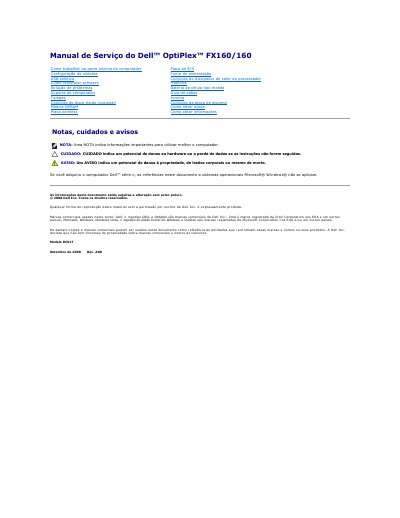
This service manual provides step-by-step instructions for removing and replacing key components of the Dell OptiPlex FX160/160 desktop computer, including the wireless antenna, coin-cell battery, computer cover, and cable guide. It also includes essential safety warnings, electrostatic discharge precautions, and required tools for internal hardware maintenance.
The document covers specific hardware procedures such as removing and reinstalling the antenna, accessing the internal system components, handling the coin-cell battery, and managing the cable guide. It also provides guidelines for safely shutting down the system, disconnecting power, and seeking technical support from Dell. This manual is written in Portuguese.
Use an anti-static wrist strap or periodically touch an unpainted metal surface, such as a connector on the back of the computer, to eliminate static electricity.
Depending on the battery socket type, push the top edge of the battery out of the retention clips along the sides of the socket, or push the single retention latch back and pull the battery out.