
Dell™ Latitude™ E6400 and E6400 ATG Service Manual and Dell™ Precision™ M2400 Mobile Workstation Notes, Cautions, and Warnings
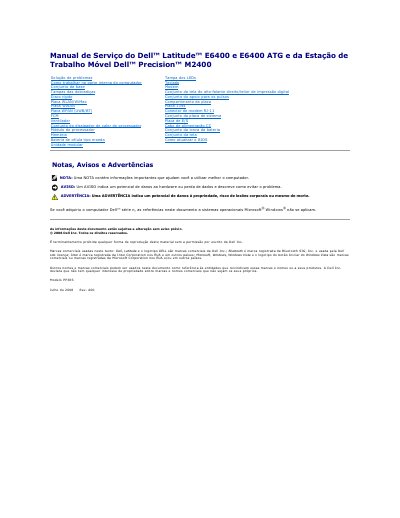
This service manual covers service procedures for the Dell Latitude E6400, Latitude E6400 ATG and Precision M2400 mobile workstation. It includes instructions for working inside the computer and removing and reinstalling components such as the base assembly, hard drive, processor heat sink, memory, keyboard, display assembly and 1394 board.
The document also explains safety labels used in the procedures, including NOTE, AVISO and ADVERTÊNCIA, and includes a BIOS update section. This manual is written in Portuguese.
A NOTE contains important information that helps you use the computer better.
An AVISO indicates potential damage to hardware or data loss and describes how to avoid the problem.
An ADVERTÊNCIA indicates potential property damage, risk of bodily injury, or even death.
Insert it at a 45-degree angle, secure two M2 x 3 mm screws, route and connect the cable, then reinstall the removed components.