
The Dell™ OptiPlex™ 780 Desktop Service Manual provides information on how to use and maintain your Dell™ OptiPlex™ 780 Desktop.
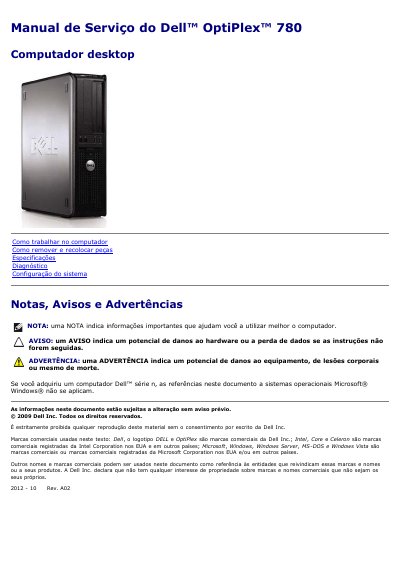
The Dell OptiPlex 780 Desktop Service Manual provides essential safety guidelines, recommended tools, and procedures for shutting down the computer and working on its internal components. It includes step-by-step instructions for removing and replacing parts such as the hard drive, memory, power supply, and system board.
The document also details the technical specifications of the OptiPlex 780, covering supported processors, memory configurations, expansion slots, audio and network interfaces, and physical dimensions for the mini-tower, desktop, and small form factor models. This manual is written in Portuguese.
| Processor | Intel Core 2 Duo, Core 2 Quad, Pentium Dual Core, or Celeron |
|---|---|
| Graphics | Integrated Intel Graphics Media Accelerator X4500 with up to 256 MB shared memory |
| Network | Integrated 10/100/1000 Mb/s Ethernet |
The recommended tools include a small screwdriver, a Phillips screwdriver, a small plastic utility knife, and a Flash BIOS update CD.
Use a grounding wrist strap or periodically touch an unpainted metal surface, such as a connector on the back of the computer, to eliminate static electricity from your body.
Save and close all files, exit programs, and shut down the operating system. If it does not shut down automatically, press and hold the power button for about 6 seconds.