
This manual describes the features and functions of the Bushnell Prime Trail Camera.
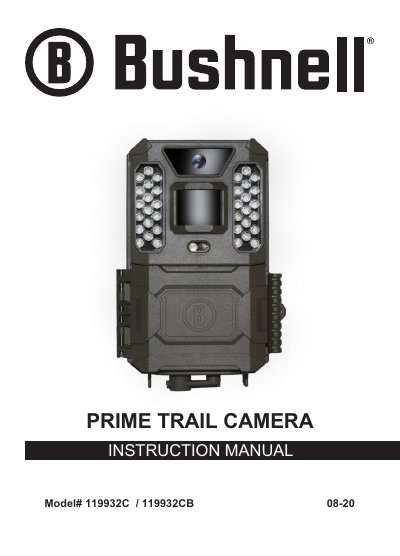
This manual provides instructions for the Bushnell Prime Trail Camera, a digital scouting camera capable of capturing high-quality photos and 720p HD video clips. It details the installation of batteries and SD cards, the operation of the three-way power switch (OFF, ON, AIM), and the use of control keys for setting parameters.
| Photo Resolution | up to 24MP |
|---|---|
| Video Resolution | 720p HD |
| Stand-by Power Consumption | less than 0.08 mA |
| Battery Type Recommendation | 6 AA Lithium or Alkaline |
| SD Card Capacity | up to 32GB |
| Video Format | .avi |
Bushnell recommends using 6 Energizer® Lithium AA batteries or alkaline AA batteries.
No, rechargeable batteries are not recommended as their lower voltage can cause operational issues.
Press the RIGHT key while in AIM mode to manually trigger the shutter.