
This manual provides instructions on how to use the Pioneer PX Series Balances.
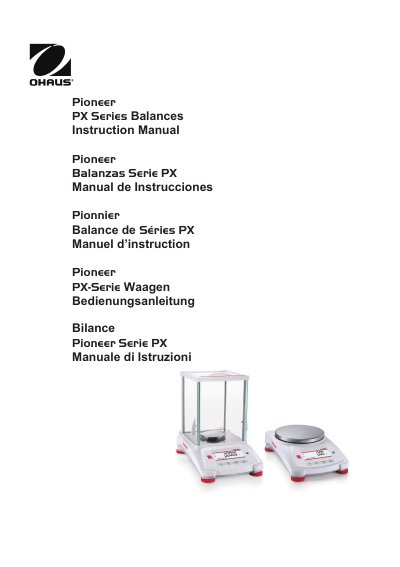
The Pioneer PX Series Balance is a precision weighing instrument available in capacities ranging from 82 grams to 8200 grams. It features a 2-line backlit display and supports six weighing applications, including parts counting, percent weighing, and density determination. The device is designed for indoor use and requires specific environmental conditions for accurate operation.
Installation involves unpacking the components, selecting a location free from heat sources and vibrations, leveling the unit using the bubble indicator, and connecting the power adapter. The balance offers two data interfaces, RS232 and USB, for connecting to computers or printers. Users must perform initial calibration, either automatically for InCal models or manually with external masses for ExCal models, before use.
| Capacity Range | 82 grams to 8200 grams |
|---|---|
| Display | 2-line backlit display |
| Interfaces | RS232 and USB |
| Calibration Types | InCal and ExCal models |
For precision above 0.1 mg, acclimatize for 1.5 hours; for 0.01 mg precision, acclimatize for more than 4 hours.
InCal models have a built-in calibration mechanism, while ExCal models require external calibration masses.