
This manual provides instructions for upgrading the firmware of the Pioneer BDP-450 Blu-ray player using a USB device.
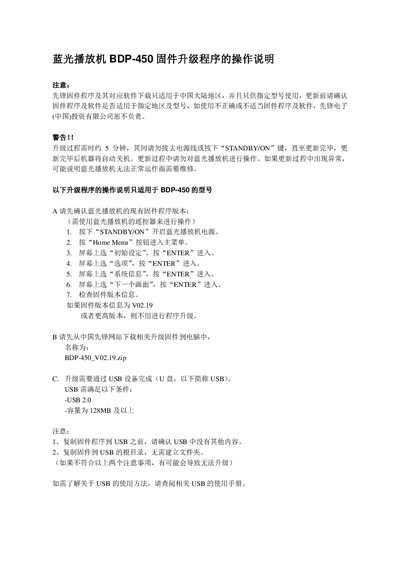
This guide details the procedure to update the firmware on the Pioneer BDP-450 Blu-ray player. It covers checking the current version, preparing the necessary files on a compatible USB drive, and executing the upgrade steps via the remote control menu.
The document includes specific warnings regarding power stability during the process and troubleshooting common issues such as interrupted updates or failure to detect the update file. This manual is written in Chinese.
The USB device must have a capacity of 128MB or higher.
If the player cannot start normally, it may require repair and you should contact the customer service center.
Check that the upgrade files were correctly copied to the root directory of the USB drive.