
Casio PX-S1100 Digital Piano User Manual

CASIO PX-S1100 Digital Piano User Manual introduces the features and how to use the product.
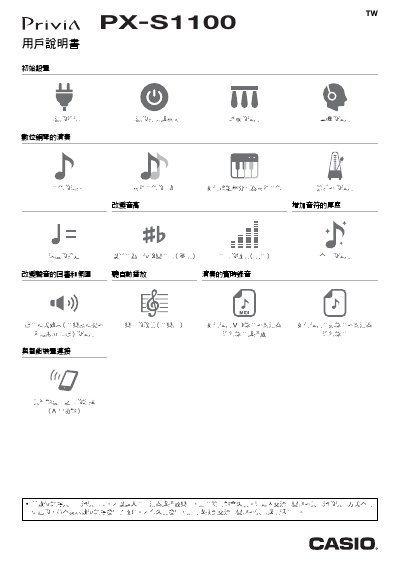

Casio PX-S1100 Digital Piano User Manual - cover page
Brand
Casio
Category
Other Electronics
Document type
User Manual
Language
Chinese
Pages
61
File format
PDF
File size
6.2 MB
Published
18 November, 2023
Updated
18 November, 2023
MD5 checksum
0075A5EE350DED15F15CB759800C6ACC

About this manual

Casio PX-S1100 is a digital piano. This user manual covers initial setup, power preparation, pedals, headphones, and front and rear panel controls.

It also describes sound selection, metronome and tempo settings, transposition and tuning, recording and playback, USB operations, configuration settings, smart device connection, troubleshooting, and product specifications. This manual is written in Chinese.

What's inside

  • Power preparation
  • Turning power on or off
  • Pedal and headphone use
  • Sound selection
  • Metronome and tempo
  • Transposition, tuning, and temperament
  • Recording and playback
  • USB operations
  • Settings and initialization
  • Smart device connection

Specifications

Specified AC adapterAD-A12150LW
Battery powerSix AA batteries

Frequently asked questions

What AC adapter is specified for the PX-S1100?

The manual specifies AC adapter AD-A12150LW.

How many batteries does the piano use?

It uses six AA batteries.

Can notes distort when playing on battery power?

Yes, notes may distort at maximum volume; lower the volume or use AC power.

What does the Bluetooth indicator do if no wireless adapter is installed?

It lights briefly to notify that no MIDI & AUDIO wireless adapter is installed.

Download PDF (6.2 MB)

More Casio Manuals


View all Casio manuals →