
DJI Matrice 300 RTK User Guide
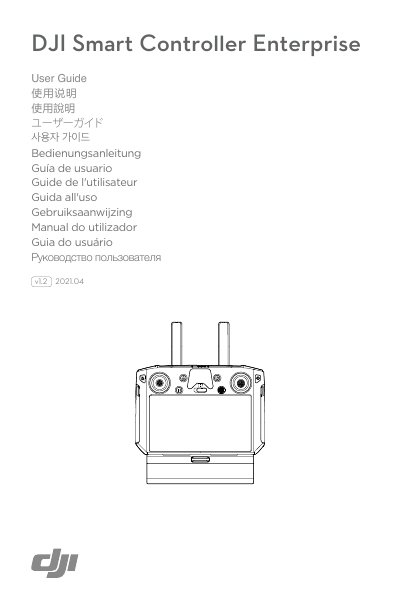
The DJI Smart Controller Enterprise features OcuSync Enterprise technology for controlling compatible aircraft and providing a live HD view from the aircraft camera. It has a built-in 5.5-inch 1000 cd/m2 screen with 1920x1080 resolution, supports Bluetooth, GNSS, and Wi-Fi, and offers up to 2.5 hours of working time with the built-in battery or 4.5 hours with a WB37 Intelligent Battery.
This guide covers charging, mounting the WB37 Intelligent Battery and 4G dongle, checking battery level, adjusting antennas, linking to an aircraft, manual takeoff and landing, and product specifications.
| Screen size | 5.5-inch |
|---|---|
| Screen resolution | 1920x1080 pixels |
| Maximum working time (built-in battery) | 2.5 hours |
| Maximum working time (with WB37 battery) | 4.5 hours |
| Charging time | roughly 2 hours and 15 minutes |
| Operation frequency range | 2.400-2.4835 GHz; 5.725-5.850 GHz |
| Maximum transmission distance | FCC: 15 km; CE/MIC: 8 km; SRRC: 8 km |
It takes roughly 2 hours and 15 minutes using the standard USB charger.
It is 2.5 hours with the built-in battery and can be extended to 4.5 hours with a WB37 Intelligent Battery.
Press C1, C2, and the record button simultaneously, then press and hold the aircraft power button for at least five seconds; the status LED turns solid green if linking is successful.
Optimal performance occurs when the angle between the antennas and the back of the Smart Controller is 80 degrees or 180 degrees.