
Philips Momentum 275M8 Monitor User Manual

This document is the user manual of Philips monitor Momentum 275M8 ZH.
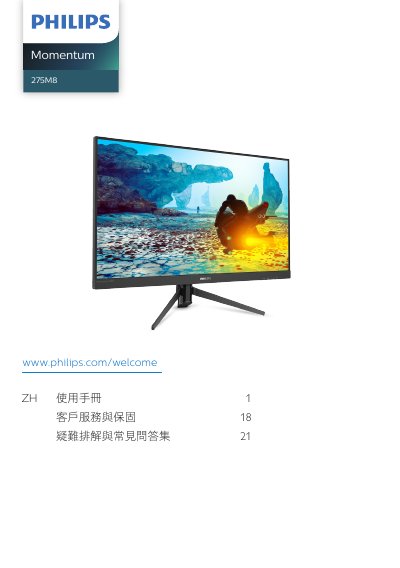

Philips Momentum 275M8 Monitor User Manual - cover page
Brand
Philips
Category
Monitor
Document type
User Manual
Language
Chinese
Pages
26
File format
PDF
File size
2.6 MB
Published
18 November, 2023
Updated
18 November, 2023
Model
275M8
MD5 checksum
9EADA51B6231802C4169C750FC5D2B8A

About this manual

This manual is for the Philips Momentum 275M8 monitor. It describes safety precautions, installation, connecting a computer, OSD menu operation, image optimization features, and troubleshooting.

It also lists supported operating conditions and includes warranty and customer service information. This manual is written in Chinese.

What's inside

  • Safety and maintenance
  • Installation
  • Operating the monitor
  • Image optimization
  • Technical specifications
  • Power management
  • Customer service and warranty
  • Troubleshooting and FAQ

Specifications

Native resolution2560 x 1440
Operating temperature0-40 C (32-104 F)
Operating humidity20-80% RH
Power adapterPhilips ADPC2065

Frequently asked questions

What is the monitor's native resolution?

The manual states the best display resolution is 2560 x 1440.

What operating temperature is supported?

The monitor should be used at 0-40 C.

What operating humidity is supported?

The monitor should be used at 20-80% RH.

Which power adapter should be used?

Use only the Philips ADPC2065 AC/DC adapter.

Download PDF (2.6 MB)

More Philips Manuals


View all Philips manuals →