
This document is a product manual for the TASCAM iXR USB Audio/MIDI Interface.
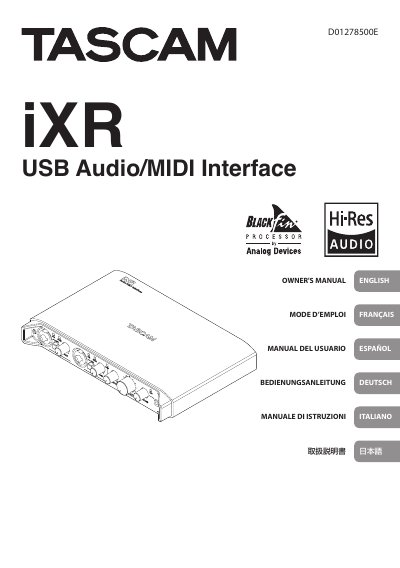
The TASCAM iXR is a USB audio/MIDI interface. This Owner's Manual covers safety precautions, included items, placement and use precautions, condensation, cleaning, part names and functions, software installation, power connections, settings, troubleshooting, specifications, and operation requirements.
A separate Reference Manual with information about all of the unit's functions can be downloaded from the TEAC Global Site. Before connecting the unit to a computer, dedicated software must be downloaded and installed on that computer.
| Operating temperature range | 5-35 °C |
|---|---|
| Processor | Blackfin 16/32-bit embedded processor by Analog Devices, Inc. |
The operating temperature range is 5-35 °C.
It uses a Blackfin 16/32-bit embedded processor made by Analog Devices, Inc.
The Reference Manual can be downloaded from the TEAC Global Site (http://teac-global.com/).
Wipe it with a dry soft cloth; do not use chemical cleaning cloths, thinner, alcohol, or other chemical agents.