
TASCAM DR-1 is a portable digital recorder with main functions and supplied accessories. It supports SD card storage and can be connected to a computer, microphones, and other audio devices. It has features like copying tracks and playback.
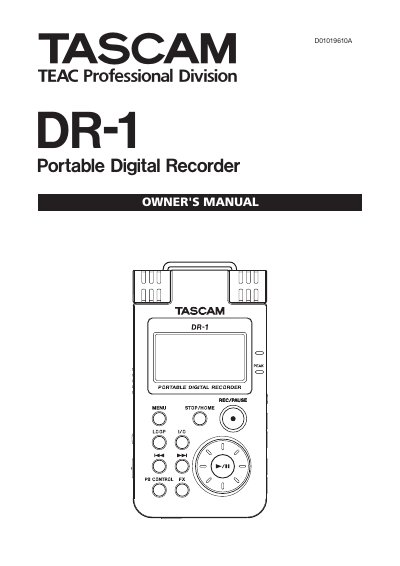
The TASCAM DR-1 is a portable digital recorder that uses SD cards as its primary storage medium. It supports various file types including MP3 and WAV, allowing users to record audio using built-in microphones or external inputs connected via jacks.
The manual guides users through essential operations such as inserting batteries (BP-L2), charging the unit, making connections for monitors and computers, and utilizing features like overdubbing, loop playback, and built-in effects. It also details how to manage files on the device and adjust system settings.
| Supported SD Cards | 64 MB–2 GB SD cards and 4 GB–32 GB SD HC cards |
|---|---|
| Audio File Types (MP3) | 32 kbps–320 kbps, 44.1 kHz or 48 kHz |
| Audio File Types (WAV) | 16-bit or 24-bit, 44.1 kHz or 48 kHz |
| Battery Type | BP-L2 (lithium ion battery) |
The unit supports 64 MB–2 GB SD cards and 4 GB–32 GB SD HC cards.
Complete charging by USB takes about 6 hours when the unit's power is OFF.
Yes, you can mix and record the input signal with the playing audio track using overdubbing.