
This manual covers the setup, operation, and troubleshooting for the Tascam MX630 USB audio interface designed for live streaming and recording.
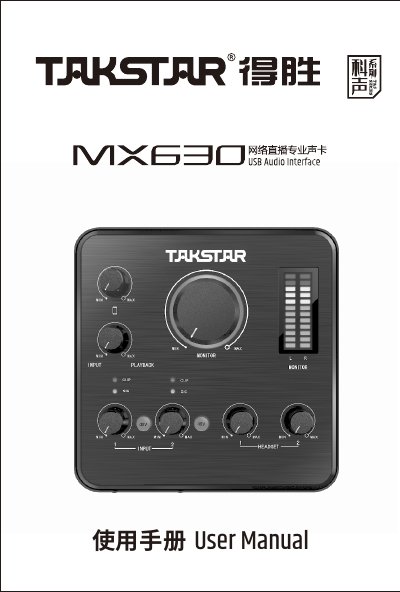
The Tascam MX630 is a 4-input/4-output USB network streaming professional audio interface designed for computers and smartphones. It features ASIO 2.0 drivers for ultra-low latency and supports high-precision sampling at 24bit/96KHz. The device is compatible with Windows XP through Windows 10 and iOS/Android systems, enabling professional live streaming, karaoke, and recording applications. This manual is written in Chinese.
| Frequency Response | 20Hz-20KHz (±1dB) |
|---|---|
| Total Harmonic Distortion + Noise | <0.0031% (-90dB) |
| Dynamic Range | 97dB A |
| Data Transmission | USB2.0 |
| Sampling Rate | 44.1-96KHz/24bit |
| Power Supply | DC 12V 1A |
The MX630 is compatible with Windows XP, Vista, 7, 8, and 10 operating systems.
You need a computer with an AMD or Intel CPU of 2 cores 2GHz or higher and 4GB of memory.