
The Avigilon H5A IR Zoom Camera Installation Guide provides information on how to install and operate the Avigilon H5A IR Zoom Camera.
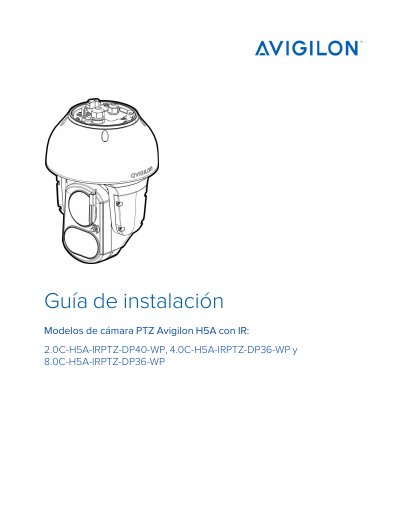
This document is the installation guide for Avigilon H5A IR PTZ camera models, specifically the 2.0C, 4.0C, and 8.0C variants. It provides detailed instructions for physical installation, including wall and NPT mount options, as well as adapting from H4 IR PTZ units. The guide covers safety precautions, required power sources, and physical setup steps. This manual is written in Spanish.
| Power Supply | 24 VCA±10 %, 110 VA mín. or 24 VCD±10 %, 75 W mín. |
|---|---|
| PoE Support | Class 8 (90 W) |
| Infrared Distance | 380 mm (15") |
| Protection Rating | IP66, IP67, IP68 |
Installation must be performed by qualified personnel.
No, it must be connected to a Class 2 power supply or PoE injector.
The minimum usage distance is 380 mm (15 inches) or greater.