
This document is a quick start guide for the MOTOAIR air purifier. The guide explains how to set up and operate the air purifier.
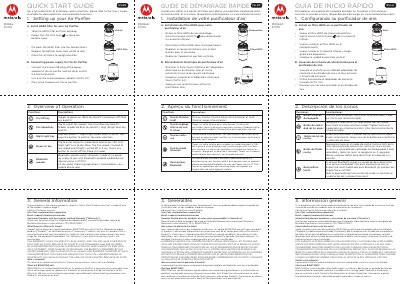
This quick start guide provides instructions for setting up the Motorola ST700 air purifier, including installing the HEPA filter, connecting the power adapter, and an overview of the control functions such as fan speed, night light, sleep mode, and Bluetooth speaker pairing.
The guide also includes general troubleshooting advice, customer service contact details, and the limited warranty terms for the Motorola branded product manufactured under license by Binatone Electronics International LTD.
| Power Supply | 5VDC 2A via micro-USB |
|---|---|
| Filter Type | HEPA |
| Bluetooth | Yes (device name ST700) |
| Fan Speeds | Low, Medium, High |
Remove the HEPA filter from its polybag, unlock the bottom cover following the UNLOCK mark, place the filter in the compartment, replace and lock the cover, then set the unit upright.
Use only the enclosed power adapter rated 5VDC 2A with a micro-USB plug.
The Bluetooth speaker enters discovery mode on first power-up with the device name ST700; pair it from your mobile device's Bluetooth settings.