
The eLAN-RS485/232 is a multifunctional smart home device that can control various electrical appliances and can be managed over the network.
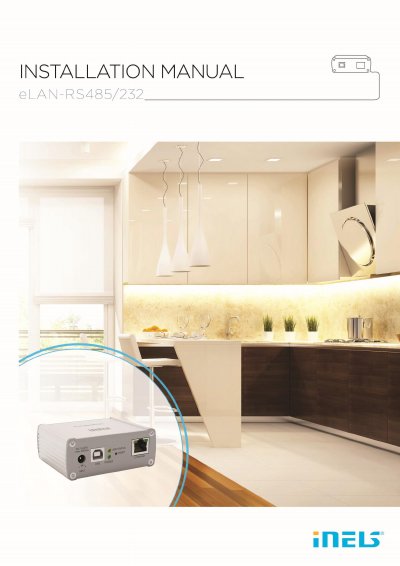
The eLAN RS485/232 is a converter that connects to a home network via LAN to allow control of devices like air conditioners from smartphones or tablets. It supports RS232 and RS485 protocols and can be powered by a 10-27V DC adapter or PoE. The device is configured via a web interface accessible through a browser using the device's IP address.
| Power supply | 10-27 V DC adapter or PoE 24V DC |
|---|---|
| Max current | 200 mA |
| Protocols | RS232 and RS485 |
The default administrator name is 'admin' and the password is 'elkoep'.
No, only one protocol type can be used from the converter at a time.
Press the RESET button on the front panel for more than 10 seconds.