
User guide for the eLAN RF-003 Smart RF Box, covering installation, web interface login, settings, RF actuator control, and scene configuration.
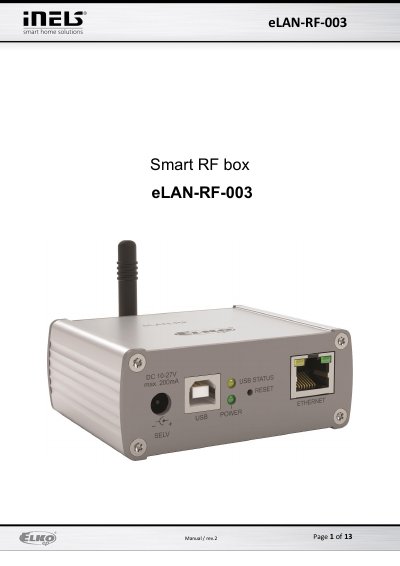
This manual provides step-by-step instructions for installing and operating the eLAN RF-003 Smart RF Box, part of the RF Control wireless system. It covers connecting the device to a network, logging into the web interface or mobile app, configuring network and RF settings, adding actuators, and creating control scenes. The device supports bidirectional communication, can act as a repeater or router, and integrates with smartphones and smart TVs for remote control.
The manual includes factory default login credentials, instructions for firmware updates, and details on managing rooms and scenes. It also explains how to extend RF range using multiple eLAN units and how to handle power and network configurations, including DHCP and static IP settings.
Enter the IP address of the eLAN -RF-003 in the browser, then use the factory login: Name: admin, Password: elkoep.
It is supplied via a 10-27V DC adapter (included) or PoE from a 24V DC power source (router).
Yes, using the iHC-MARF (Android) or iHC-MIRF (iPhone) apps, which allow control of heating, lighting, appliances, and scenes.