
Installation guide for ELAN ELANSENSE sensors, covering hookup, adjustments, specifications, and warranty for audio, video, contact, voltage, light…
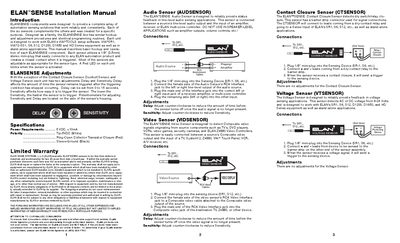
The ELANSENSE line provides a family of automation sensing solutions that share common hookup, adjustment, and programming procedures. Each sensor uses a 1/8" (3.5 mm) stereo mini‑plug to connect to ELAN automation products and signals a closed contact when triggered.
This manual explains how to install each sensor type, adjust delay (0‑15 seconds) and sensitivity, and meet the power requirement of 5 VDC < 10 mA. It also includes wiring diagrams, filter usage for the LED/Light sensor, and the limited two‑year warranty terms.
| Power Requirements | 5 VDC, <10 mA |
|---|---|
| Polarity | Tip‑5VDC (White), Ring‑Open Collector (Red), Sleeve‑Ground (Black) |
| Delay Adjustment Range | 0 to 15 seconds |
| Voltage Sensor Detection Range | 9‑24 V AC or DC |
| Current/Magnetic Field Sensor Minimum Detectable Current | 240 mA or higher |
Turn the delay potentiometer counter‑clockwise to reduce the time; the delay can be set from 0 to 15 seconds.
Each sensor requires a 5 VDC supply drawing less than 10 mA.
Yes, using the red or green filter lenses to detect red or green LEDs; removing the filters allows detection of other light sources.