
TC Support Interactive website is an online information and technical support center where you can find answers to specific technical questions regarding TC software and hardware.
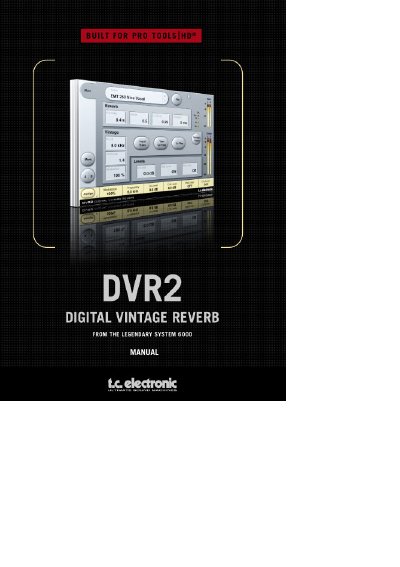
This document is the user manual for the TC Electronic DVR2 TDM, a digital vintage reverb plugin designed to emulate the sound of the classic EMT250. The manual explains how the plugin recreates the characteristics of the original hardware, including specific processing limitations and non-linear behaviors to achieve an authentic audio experience. This manual is written in Spanish.
| Operating Systems | Mac OS X (10.4 o mas) / Windows XP |
|---|---|
| Required Software | Pro Tools TDM 7.2.1 (o mas) |
| Required Hardware | Pro Tools HD o HD Accel |
| Authorization Method | iLok USB |
| Reverb Decay Range | 0.4 – 4.5s |
| Pre Delay Range | 0-500ms |
| Vintage Modulation Range | 0% – 200% |
| Hi Cut Range | 8kHz – 13kHz |
It offers a generic crystal clear reverb with an authentic vintage flavor, recreating the sound of the EMT250.
On Mac OS X, use Command + mouse movement; on Windows, use Alt + Control + mouse click.