
This is a JVC action camera, model GC-XA2. It can shoot 4K video and has waterproof, dustproof and shockproof functions.
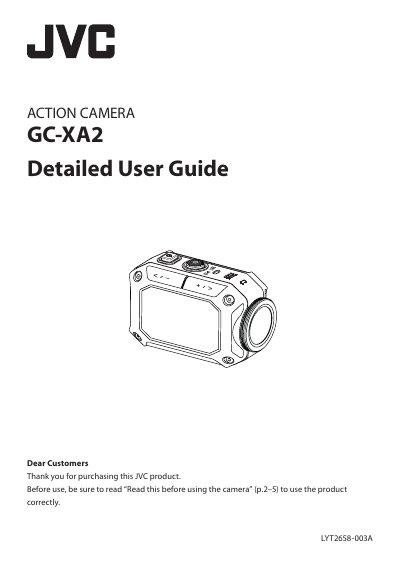
This document is the detailed user guide for the JVC Action Camera GC-XA2. It covers essential safety instructions, including water and dust resistance limits, and provides step-by-step guidance on assembling accessories like the flexible mount. The guide explains how to operate the camera for recording and playback, utilizing features such as 5x digital zoom and manual adjustments.
| Image sensor | 1/3.2" 7.99 Mega pixel CMOS sensor |
|---|---|
| Video resolution | 1920x1080/60 fps |
| Photo resolution | 16 M : 4608 x 3456 |
| Zoom | Digital zoom: up to 5x |
| LCD monitor | 1.5" 0.11 Mega pixel color LCD |
| Storage media | SD/SDHC/SDXC card slot support up to 128 GB |
| Wi-Fi | IEEE802.11b/g/n (2.4 GHz band only) |
| Battery | Lithium-ion rechargeable battery (3.7 V) |
| Mass | 110 g (0.25 lbs) |
| Dimensions | 74 x 53 x 35 mm |
| Water resistance | IPX8 (30 minutes at depths up to 5 m) |
The camera operates for 30 minutes at depths up to 5 m (16.4 ft).
Temperatures between 0 and -10°C temporarily lower battery performance and reduce recording time.
The camera supports SD/SDHC/SDXC cards with a capacity up to 128 GB.
No, this camera does not float and a strap should be used to prevent it from being lost.