
This document provides operating instructions for Panasonic WV-S15000 series, WV-S22000 series and WV-S25000 series network cameras.
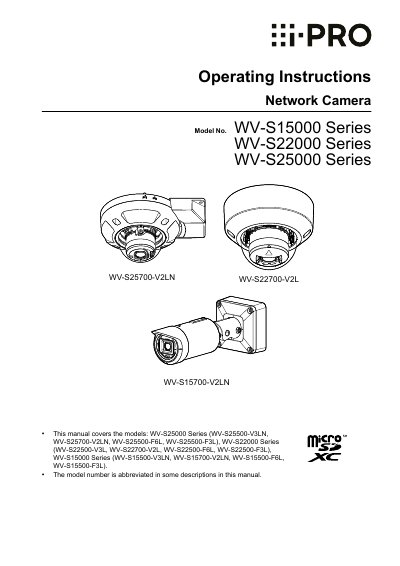
This manual explains how to operate and configure i-PRO WV-S15000, WV-S22000 and WV-S25000 series network cameras using a web browser. It covers monitoring, SD card recording, alarm actions, SFTP image transmission, playback, logs, network security and setup menus.
It also describes administrator registration, browser-based operation and model-specific notations. The screens shown are based on the WV-S15500-V3L and may differ depending on the camera model used.
| Administrator user name length | 1 to 32 characters |
|---|---|
| Administrator password length | 8 to 32 characters |
| Default Stream(1) max bit rate per client (languages other than Japanese) | 12288 kbps |
| Default Stream(1) max bit rate per client (Japanese) | 8192 kbps |
There are three sets: Operating Instructions, Basic Information, and Installation Guide or installation procedure leaflet.
Operations using Google Chrome are described in this document.
It is recommended to use the i-PRO Configuration Tool to configure the camera.
The administrator password can be 8 to 32 characters.