
This manual describes how to install, connect, and use the Wall Mount Bracket WV-Q122A.
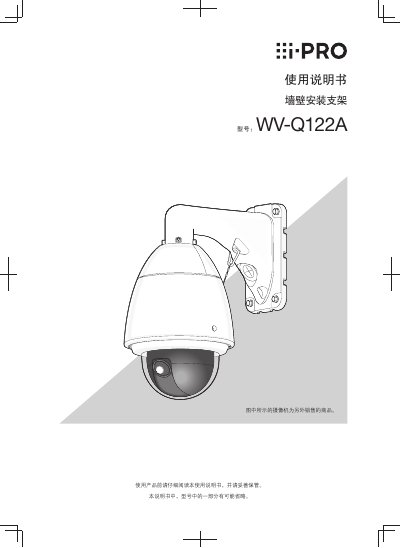
The i-PRO WV-Q122A is a wall mount bracket used to install a camera on a wall. The document states that compatible cameras are listed in the camera catalog or instruction manual, and that installation should be entrusted to the dealer because it requires technical skill and experience.
The manual describes precautions, part names, removal of the camera housing base and mounting aid, two cable routing methods, and mounting the camera body to the bracket. It lists recommended M10 screws, a minimum pull-out force, and locations to avoid, including corrosive, oily, vibrating, or high-wind sites. This manual is written in Chinese.
| Recommended mounting screws | M10 × 4 |
|---|---|
| Minimum pull-out force | 823 N (84 kgf) per screw |
| Permitted installation temperature range | -50 °C to +55 °C |
| High-wind installation limit | Do not install where wind speed is 40 m/s or more |
It is used to mount a camera on a wall.
Installation should be entrusted to the dealer, since it requires technical skill and experience.
The manual recommends four M10 screws.
A fall-prevention wire must be installed.