
This manual describes how to set up and operate the WV-U2500 Series, WV-U1500 Series, WV-U2100 Series, and WV-U1100 Series network cameras.
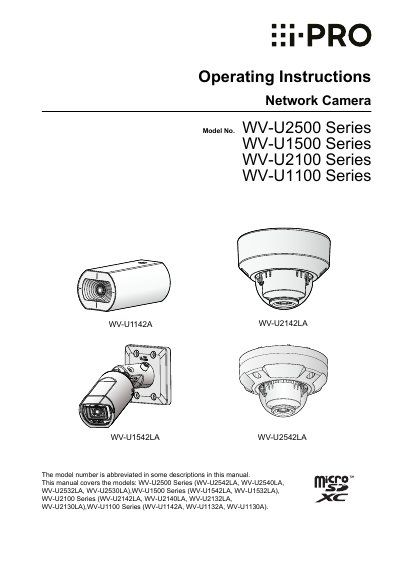
This manual provides operating instructions for i-Pro WV-U2500 Series, WV-U1500 Series, WV-U2100 Series, and WV-U1100 Series network cameras. It explains how to perform settings and operate the camera.
It covers administrator registration, live image monitoring, mobile and tablet viewing, SD memory card recording, alarm actions, log display, network setup, Easy Setup, and image configuration. Supported models include WV-U2542LA, WV-U1542LA, WV-U2142LA, WV-U1142A and related variants.
| Viewer software | Network Camera View 48 |
|---|---|
| Web browser | Internet Explorer 11 |
| Supported operating system | Windows 10 |
| Supported operating system | Windows 8.1 |
It covers WV-U2500 Series, WV-U1500 Series, WV-U2100 Series, and WV-U1100 Series network cameras.
The “Network Camera View 48” (ActiveX) viewer software must be installed.
Operations using Internet Explorer 11 are described in this document.
The user name can contain 1 to 32 characters.